

Available on all Portkey plans.
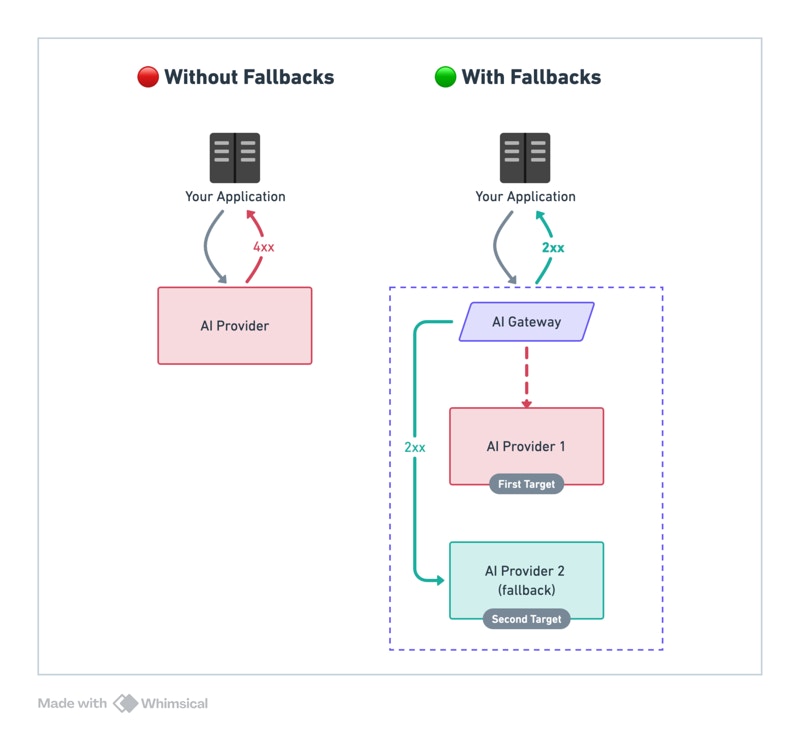
Examples
The
@provider-slug/model-name format automatically routes to the correct provider. Set up providers in Model Catalog.Trigger on Specific Status Codes
By default, fallback triggers on any non-2xx status code. Customize withon_status_codes:
Tracing Fallback Requests
Portkey logs all requests in a fallback chain. To trace:- Filter logs by
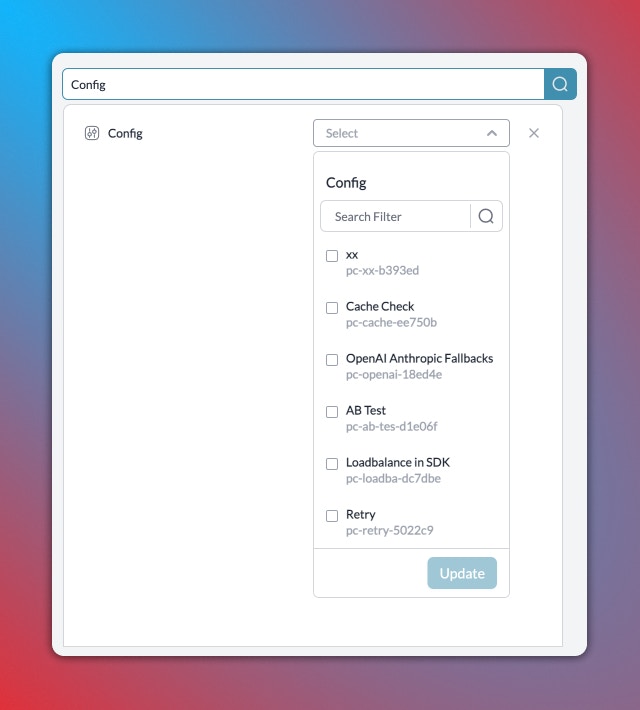
Config IDto see all requests using that config - Filter by
Trace IDto see all attempts for a single request
Considerations
- Ensure fallback LLMs are compatible with your use case
- A single request may invoke multiple LLMs
- Each LLM has different latency and pricing