

Pydantic Logfire provides modern Python observability with automatic instrumentation for OpenAI, Anthropic, and other LLM providers. Combined with Portkey, get automatic traces plus gateway features like caching, fallbacks, and load balancing.

Why Logfire + Portkey?

Zero-Code Instrumentation

Automatic OpenAI SDK instrumentation without code changes

Python-First Design

Built by the Pydantic team specifically for Python developers

Real-Time Insights

See traces immediately with actionable optimization opportunities

Gateway Intelligence

Portkey adds caching, fallbacks, and load balancing to every request

Quick Start
pip install logfire openai
import os
import logfire
from openai import OpenAI

# Send traces to Portkey
os.environ["OTEL_EXPORTER_OTLP_ENDPOINT"] = "https://api.portkey.ai/v1/logs/otel"
os.environ["OTEL_EXPORTER_OTLP_HEADERS"] = "x-portkey-api-key=YOUR_PORTKEY_API_KEY"

# Initialize Logfire
logfire.configure(service_name='my-llm-app', send_to_logfire=False)

# Use Portkey gateway
client = OpenAI(
    api_key="YOUR_PORTKEY_API_KEY",
    base_url="https://api.portkey.ai/v1"
)

# Instrument the client
logfire.instrument_openai(client)

response = client.chat.completions.create(
    model="@openai-prod/gpt-4.1",  # Provider slug from Model Catalog
    messages=[{"role": "user", "content": "Hello!"}]
)

print(response.choices[0].message.content)
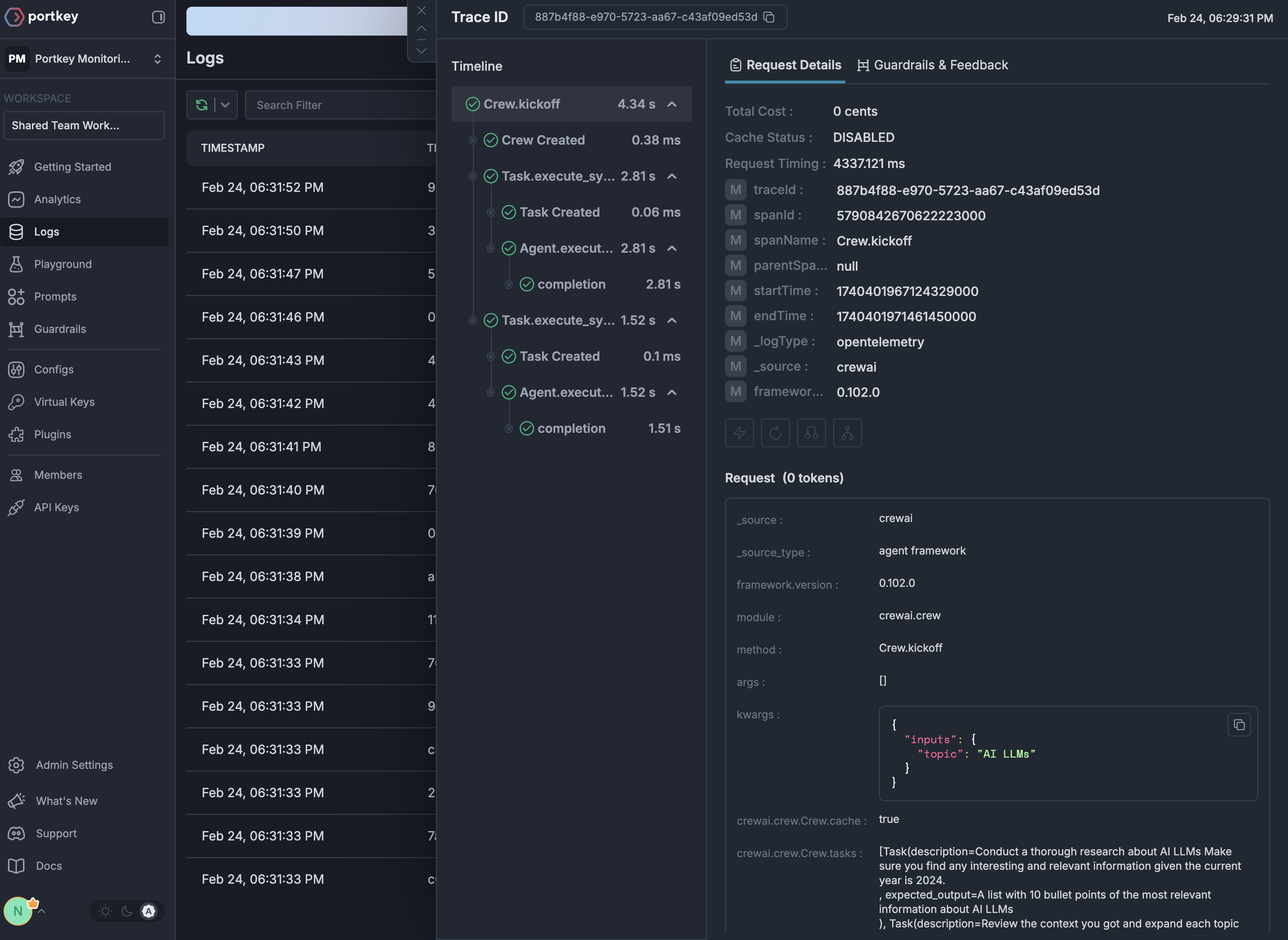
OpenTelemetry traces in Portkey

Setup

  1. Add provider in Model Catalog → get provider slug (e.g., @openai-prod)
  2. Get Portkey API key
  3. Use model="@provider-slug/model-name" in requests

Next Steps


See Your Traces in Action

Once configured, view your Logfire instrumentation combined with Portkey gateway intelligence in the Portkey dashboard:
OpenTelemetry traces in Portkey