

Why Traceloop + Portkey?
Non-Intrusive Monitoring
Automatic instrumentation without changing application code
OpenTelemetry Native
Built on industry-standard OpenTelemetry for maximum compatibility
Flexible Export
Send traces to Portkey or any OpenTelemetry-compatible backend
Gateway Intelligence
Portkey adds caching, fallbacks, and load balancing to every request
Quick Start
Setup
- Add provider in Model Catalog → get provider slug (e.g.,
@openai-prod) - Get Portkey API key
- Use
model="@provider-slug/model-name"in requests
Next Steps
Gateway Configs
Fallbacks, caching, and load balancing
Model Catalog
Manage providers and credentials
Analytics
Cost and performance insights
Traceloop Docs
Official documentation
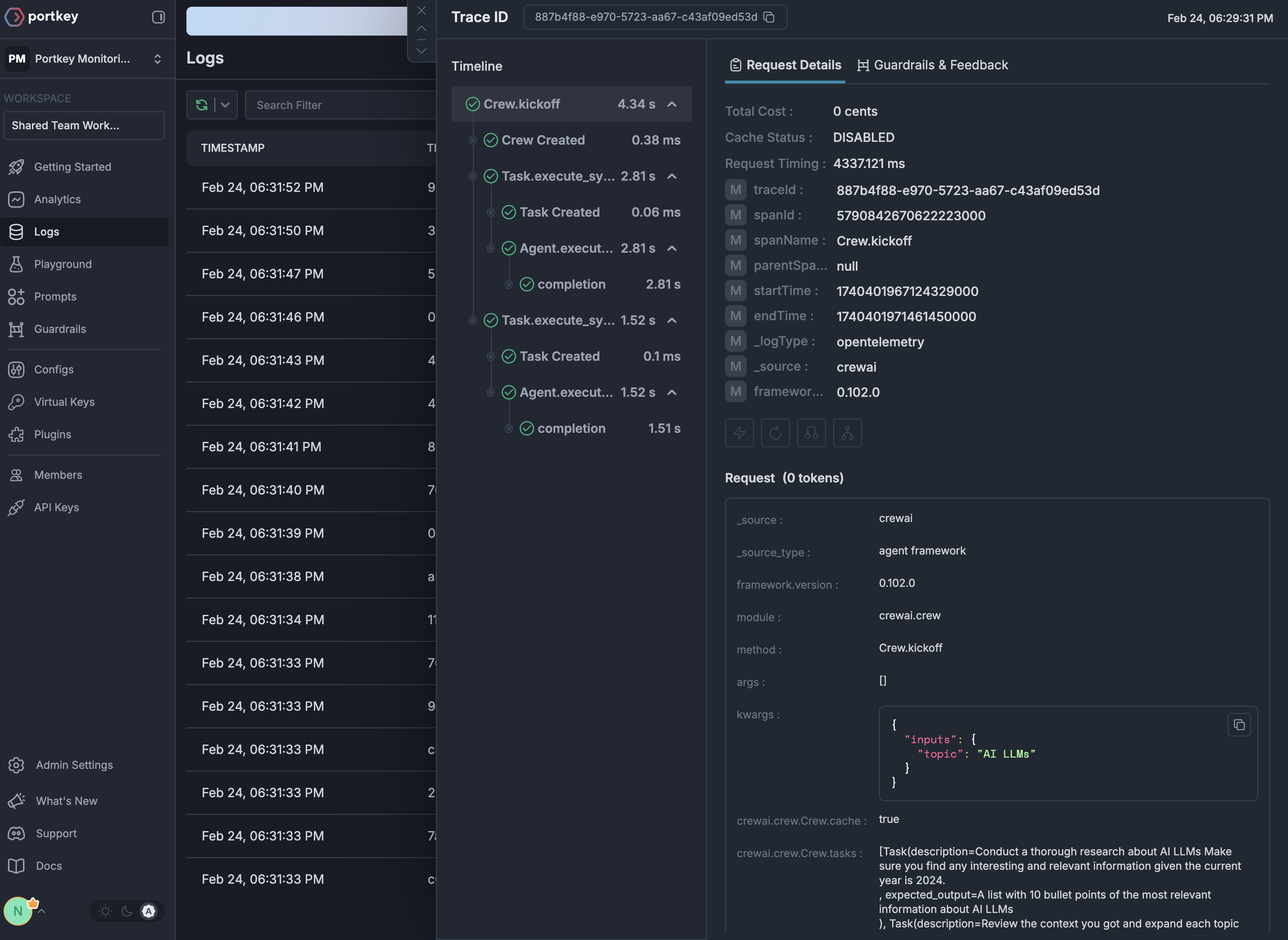
See Your Traces in Action
Once configured, view your Traceloop instrumentation combined with Portkey gateway intelligence in the Portkey dashboard: