

Quick Start
Get started with Dashscope in under 2 minutes:Add Provider in Model Catalog
Before making requests, add Dashscope to your Model Catalog:- Go to Model Catalog → Add Provider
- Select Dashscope
- Enter your Dashscope API key
- Name your provider (e.g.,
dashscope)
Complete Setup Guide
See all setup options and detailed configuration instructions
Dashscope Documentation
Explore the official Dashscope documentation
Dashscope Capabilities
Embeddings
Generate embeddings for text using Dashscope embedding models:Supported Models
Supported Dashscope Models
Supported Dashscope Models
Chat Models:
- qwen-long, qwen-max, qwen-max-0428, qwen-max-0403, qwen-max-0107
- qwen-plus, qwen-plus-0806, qwen-plus-0723, qwen-plus-0624, qwen-plus-0206
- qwen-turbo, qwen-turbo-0624, qwen-turbo-0206
- qwen2-57b-a14b-instruct, qwen2-72b-instruct, qwen2-7b-instruct, qwen2-1.5b-instruct, qwen2-0.5b-instruct
- qwen1.5-110b-chat, qwen1.5-72b-chat, qwen1.5-32b-chat, qwen1.5-14b-chat, qwen1.5-7b-chat, qwen1.5-1.8b-chat, qwen1.5-0.5b-chat
- codeqwen1.5-7b-chat
- qwen-72b-chat, qwen-14b-chat, qwen-7b-chat, qwen-1.8b-longcontext-chat, qwen-1.8b-chat
- qwen2-math-72b-instruct, qwen2-math-7b-instruct, qwen2-math-1.5b-instruct
- text-embedding-v1, text-embedding-v2, text-embedding-v3
Supported Endpoints and Parameters
| Endpoint | Supported Parameters |
|---|---|
/chat/completions | messages, max_tokens, temperature, top_p, stream, presence_penalty, frequency_penalty |
/embeddings | model, input, encoding_format, dimensions, user |
Advanced Features
Track End-User IDs
Monitor user-level costs and requests by passing user IDs: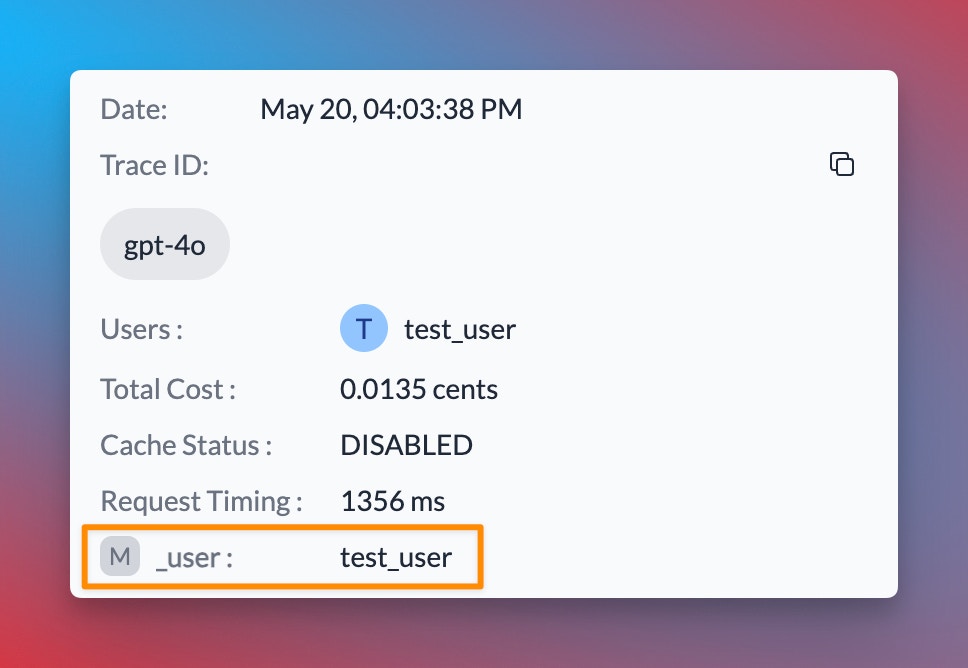
Learn More About Metadata
Explore how to use custom metadata to enhance your request tracking and analysis
Gateway Configurations
Use Portkey’s Gateway features for advanced routing and reliability: Example: Conditional Routing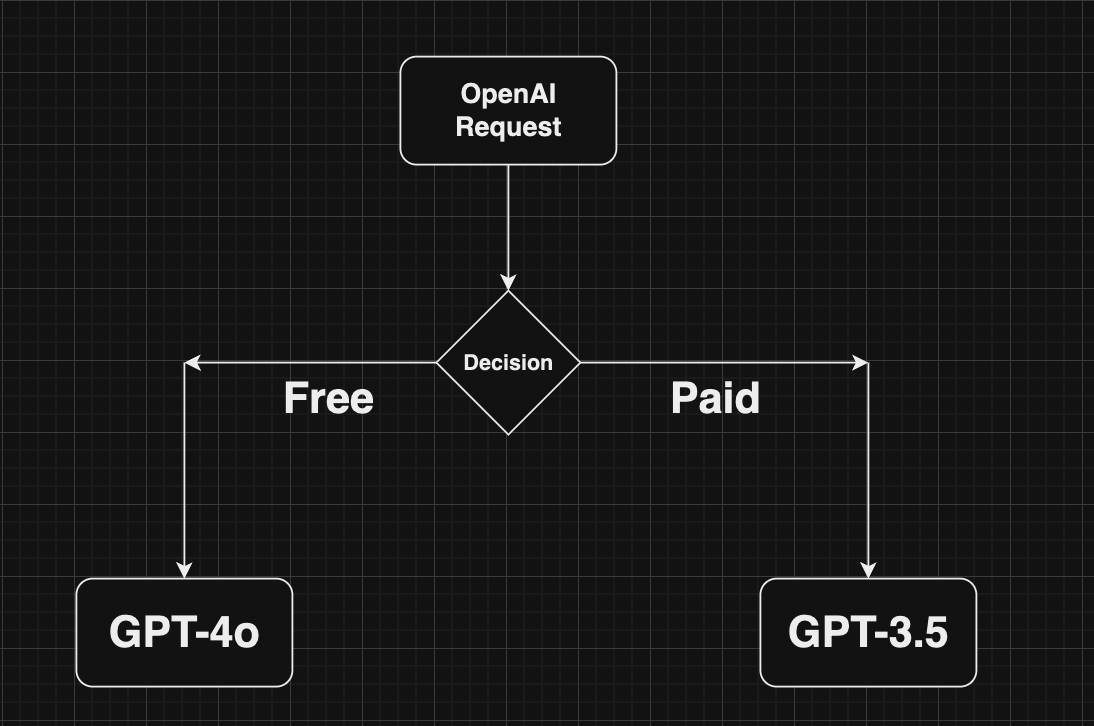
Load Balancing
Distribute requests across multiple targets
Fallbacks
Automatically switch to backup targets
Conditional Routing
Route requests based on conditions
Caching
Cache responses to reduce costs
Guardrails
Enforce input/output checks with custom hooks:Learn More About Guardrails
Enhance security and reliability with Portkey Guardrails
Next Steps
Gateway Configs
Add fallbacks, load balancing, and more
Observability
Monitor and trace your Dashscope requests
Prompt Library
Manage and version your prompts
Metadata
Add custom metadata to requests
SDK Reference
Complete Portkey SDK documentation
For the most up-to-date information on supported features and endpoints, please refer to our API Reference.